
WPS (PIN Code) Connection
-
Tap Other setup.
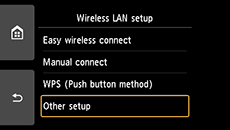
-
Tap WPS (PIN code method).
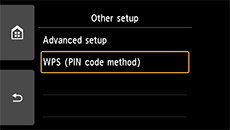
-
Follow the on-screen instructions on a device (such as a smartphone) to set a PIN code on the wireless router.
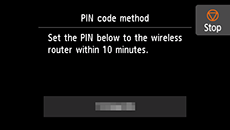
-
When the screen on the below appears, tap OK.
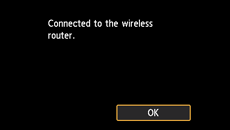
If a different screen appears, see "Troubleshooting."
-
Tap
 on the left side of the screen.
When connection is complete,
 appears at the bottom left of the screen.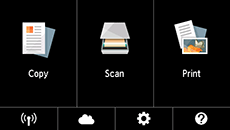
The network connection setup is now complete.

